Tutorials
-
Krita Reference Images
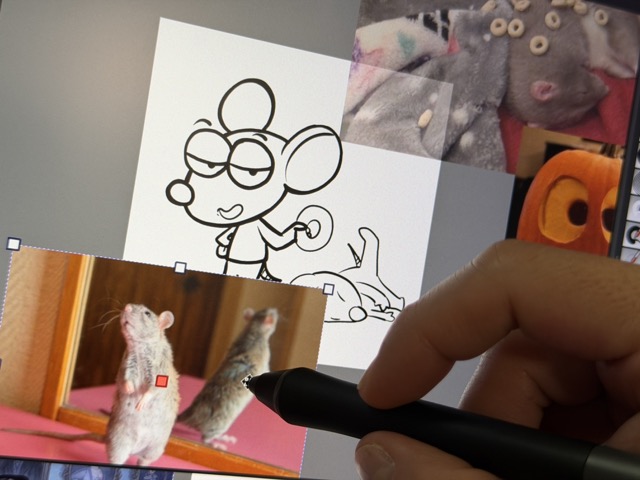
Hey there! Krita, my favorite open source drawing program, has a great feature for using reference images. I use tons of reference images when drawing. Before bothering to learn about the reference feature in Krita, I used to just to just have a document open next to my illustration document and would paste the reference images into it. This worked ok, but it was a bit of hassle if I wanted to move the reference really close to my illustration or to keep track of which reference images document went with the illustration I was working on. So, I dug into it and I should have done it earlier! Enough…
-
Bluesky Custom Feeds for your Comics
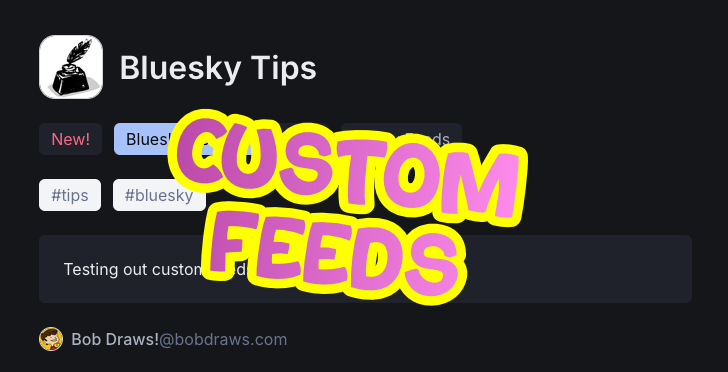
Bluesky buds, wouldn’t it be great if your followers could subscribe not just to YOUR public feed, but also to a feed of just your comic book post updates? Like, imagine you publish a post a week, but it’s gonna get lost in your followers timeline, but what if there was a feed JUST for your comic? Check out this artist’s feed for their current comic: @rivexart.bsky.social I came across this great concept when I browsed to this artist’s feed (note: nsfw): @rivexart.bsky.social Click on their “Feeds” tab and this is what you see they have three feeds. two are comics and one is for their art gallery. Click on…
-
NeoCities Bluesky Handles
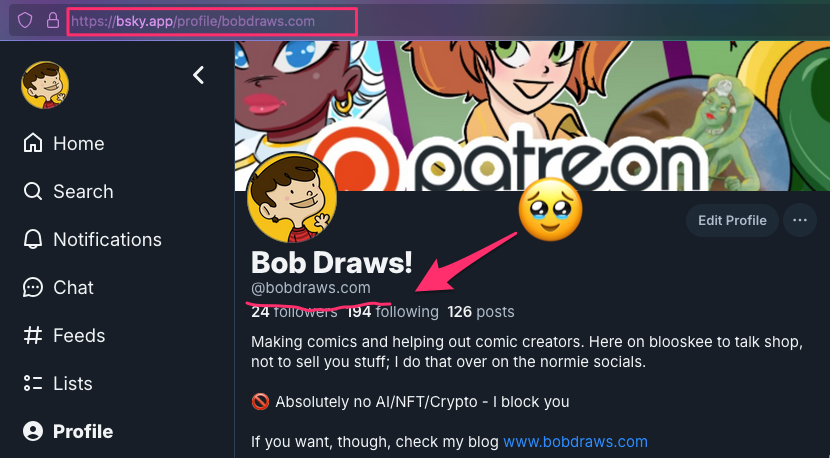
Howdy! One of the fun things about Bluesky* is the ability to set your username, or “handle” as they call it, to something custom that belongs just to you. When I first signed up for the service, my handle was “bobdraws.bsky.com”, that’s fine. But, Bluesky lets you change it to something more custom and personal. There are tons of reasons why you’d want to do this and you can read about them over on the official Bluesky blog post about it, but for me, these are the three main reasons: So, if you have your own domain name already, stop reading this and go change your Bluesky handle. If you…
-
Reference Images in Krita
Krita has an awesome tool for working with reference images. If you haven’t tried it, it’s hidden in a little tiny tool that looks like a push pin. I made a video tutorial about it:
-
Installing Fonts in Procreate for iPad
Learn how to install and remove fonts for Procreate on your iPad.