-
Fan Request: Black Widow in Peril
Another snakey request (shrug) this time with Black Widow from Earth Mightiest Heroes in peril, captured by a snake. This time I did it in Clip Studio paint, just to get a different feel for things. I like using it. And here’s the time lapse:
-
April O’Neil Fan Art Sketch
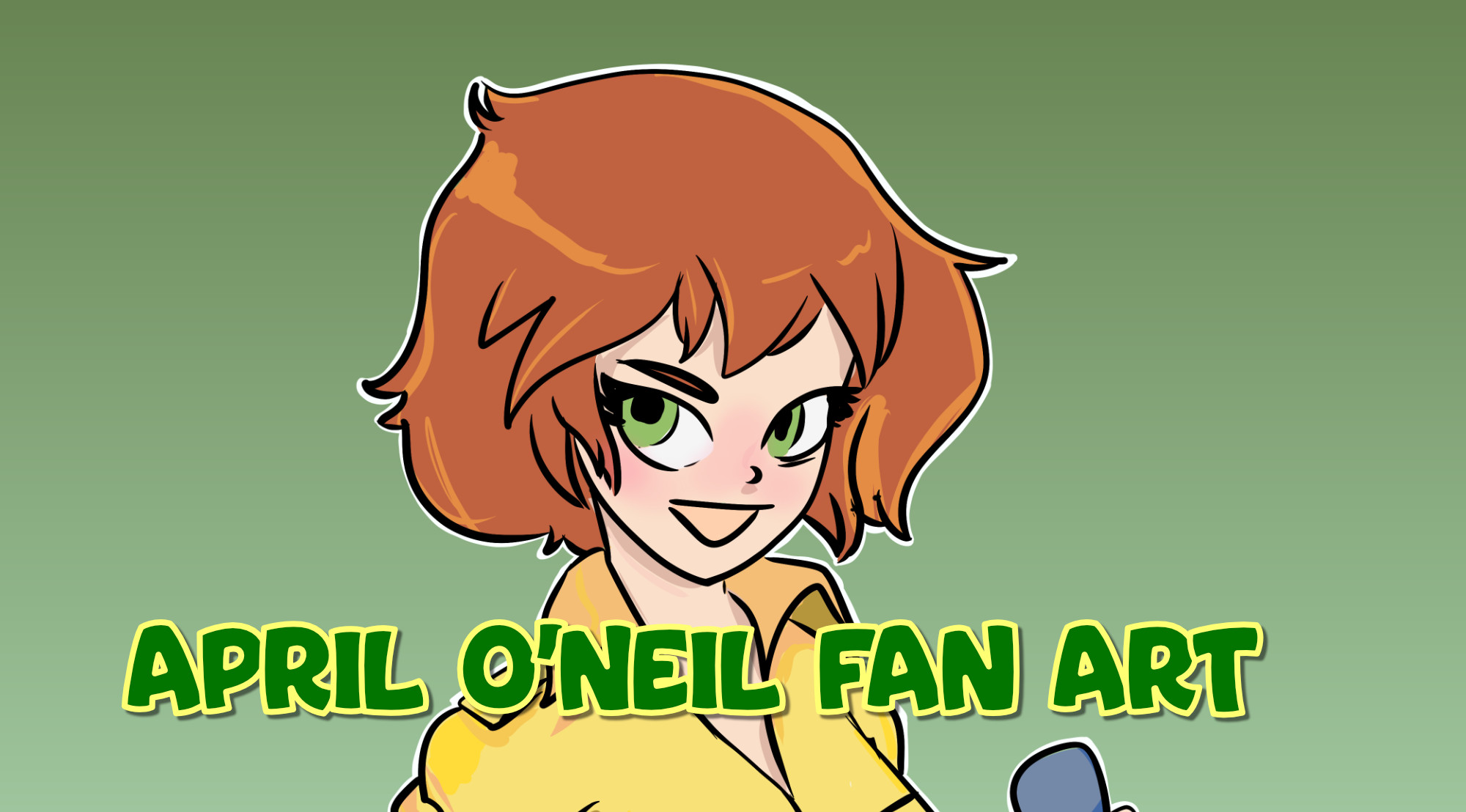
A little fan art sketch of your favorite sewer reporter and mutant ninja turtle friend April O’Neil. Scroll down to see the time lapse. She was originally going to be Holli Wood from Cool World, but, halfway through I changed my mind =p Done with Krita, my favorite drawing program.
-
Reference Images in Krita
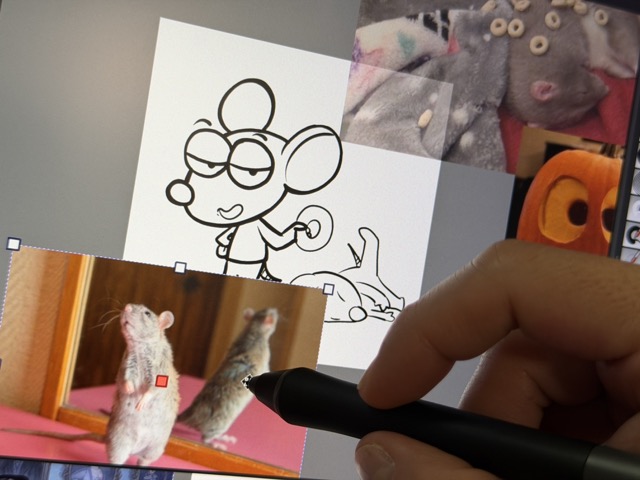
Krita has an awesome tool for working with reference images. If you haven’t tried it, it’s hidden in a little tiny tool that looks like a push pin. I made a video tutorial about it:
-
Installing Fonts in Procreate for iPad
Learn how to install and remove fonts for Procreate on your iPad.
-
Bob Draws and the Fediverse!
Testing … testing … one. two. three. It works! So, I’m trying out this new WordPress plugin that’ll connect my blog to Mastodon and the rest of the Fediverse. Let’s see how it goes.
-
Your Online Home Base
The goal is to have one central spot for your work that points to all the other places where you will share your work, interact with your fans and potential customers, and sell your merchandise or send them to your portfolio.
-
Punkin Head
A quick sketch monster for the spooky season!
-
Krita Comics Template Walktrough
Krita comics template explained
-
Real Pencil Bundle Sketch
Here’s a quick sketch I did of … dunno … she looks like she could be the killer “dame” in a Vault of Horror comic book. This sketch was done to test out Ramon Miranda’s Real Pencil Bundle Sketch. You can get version 1 of his brushes from this forum post on Krita Artists. There are two categories of brushes in the bundle (as well as two bundles, one supporting tablets with tilt, one without). I’ll have more to say about them once I experiment with them. Take a look at the thread in that link. It has some incredible drawings, including one I really liked that uses these brushes…
-
Clip Studio Paint Tutorial – Quick Layer Selection
You know how you sometimes need to find what layer some piece of your art is on and you try to figure it out by looking at the tiny icons on the layers panel or toggling their visibility one by one? Stop doing that! In this video I show you a quick shortcut built right into Clip Studio Paint that lets you do just that. Head on over to my YouTube Channel and Hit Subscribe!